
Поделиться


 Application-Software-Tools-for-Users.pdf
 Application Software:
Tools for Users
Application Software:
Tools for Users
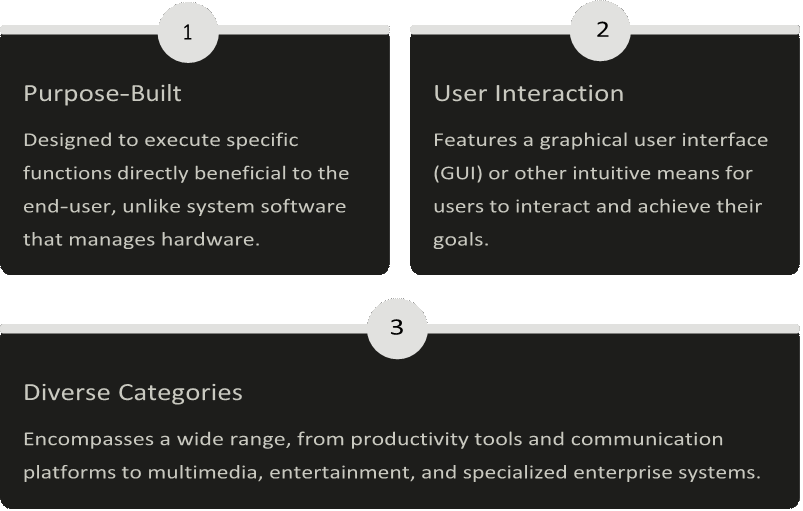
Application software forms the backbone of our digital interaction, empowering users to perform a vast array of tasks, from simple document creation to complex data analysis and immersive entertainment. This presentation explores the diverse landscape of applications that shape our daily lives and drive innovation.
 |
Tasks
Productivity Suites: Enhancing Efficiency
 Microsoft Office
The industry standard for document creation, spreadsheets, and presentations. Essential for both personal and professional productivity, offering robust features and widespread compatibility.
• Word: Document processing
• Excel: Data analysis and spreadsheets
A cloud-based alternative focusing on real-time collaboration and accessibility. Seamless integration across its suite of applications, ideal for teams working remotely.
• Docs: Collaborative document editing
• Sheets: Online spreadsheets
• Slides: Web-based presentations
• Gmail: Integrated email service
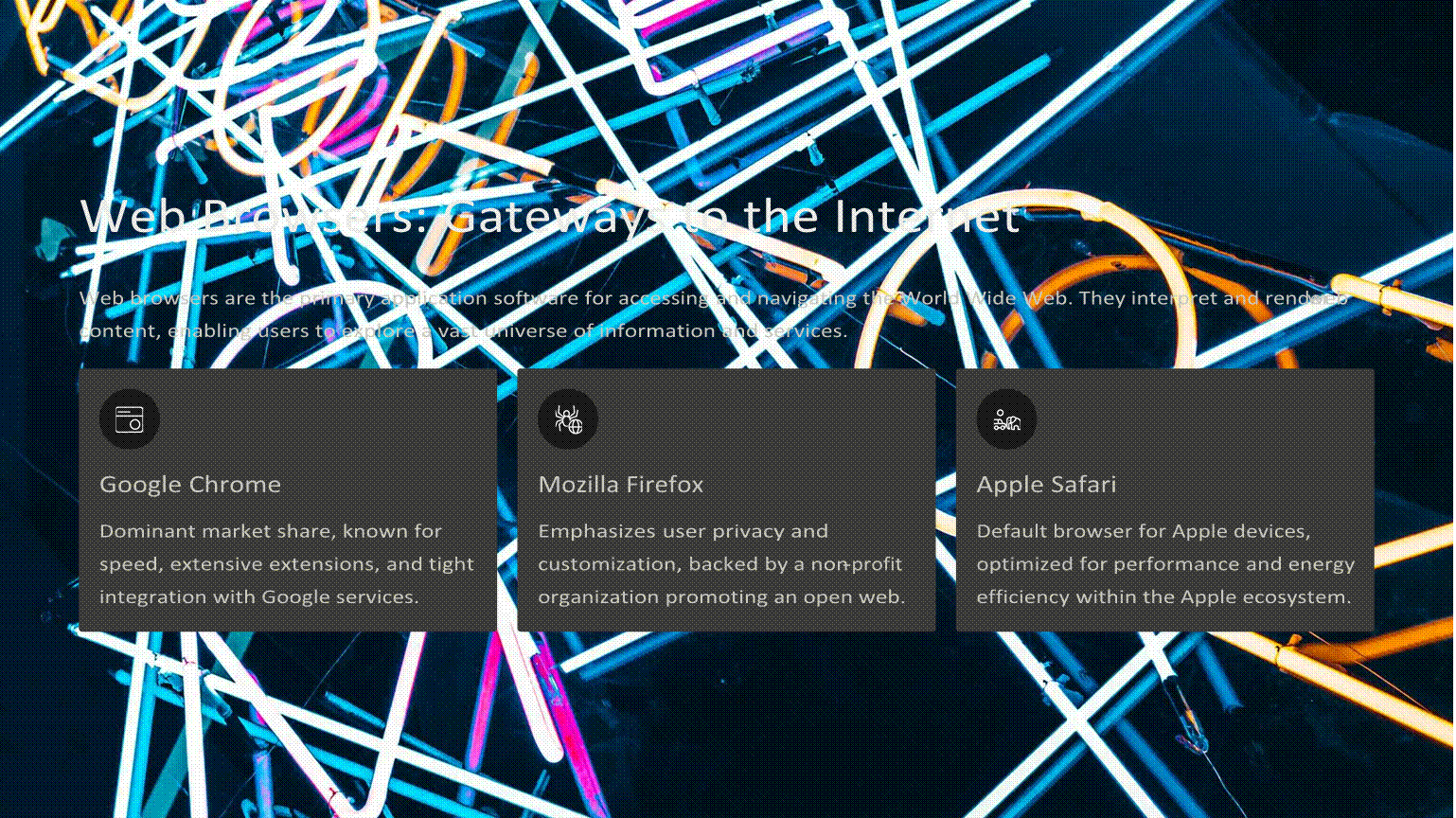
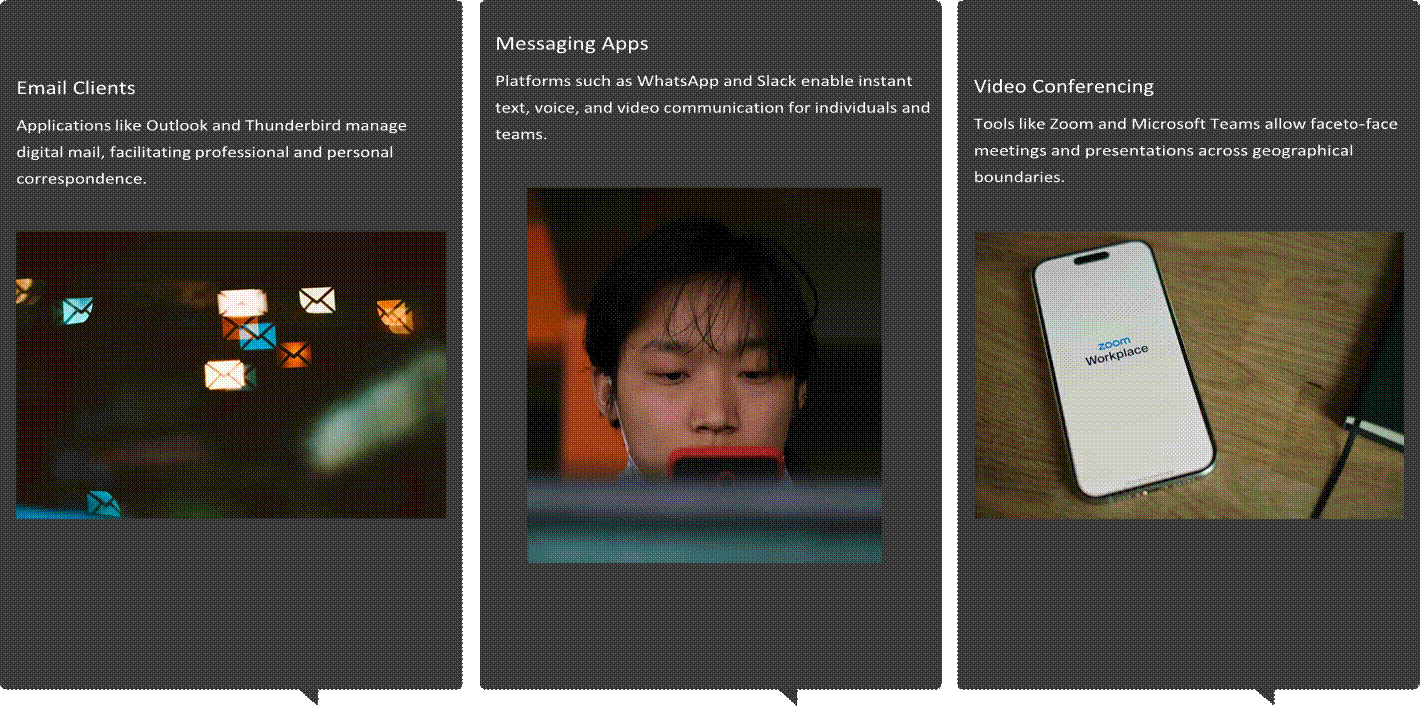
Multimedia applications empower users to engage with audio-visual content, whether for entertainment, creative expression, or professional production.
 Media Players
Software like VLC Media Player and Windows Media Player allow playback of various audio and video formats, providing a gateway to digital entertainment.
• Stream videos and music seamlessly.
• Support a wide array of file types.
• Offer playback controls and library management.
 Photo & Video
Editors
Photo & Video
Editors
Applications such as Adobe Photoshop, Lightroom, and DaVinci Resolve provide powerful tools for editing and enhancing images and videos.
• Retouch, crop, and apply filters to photos.
• Edit, add effects, and produce professional-grade videos.
• Essential for content creators and marketers.
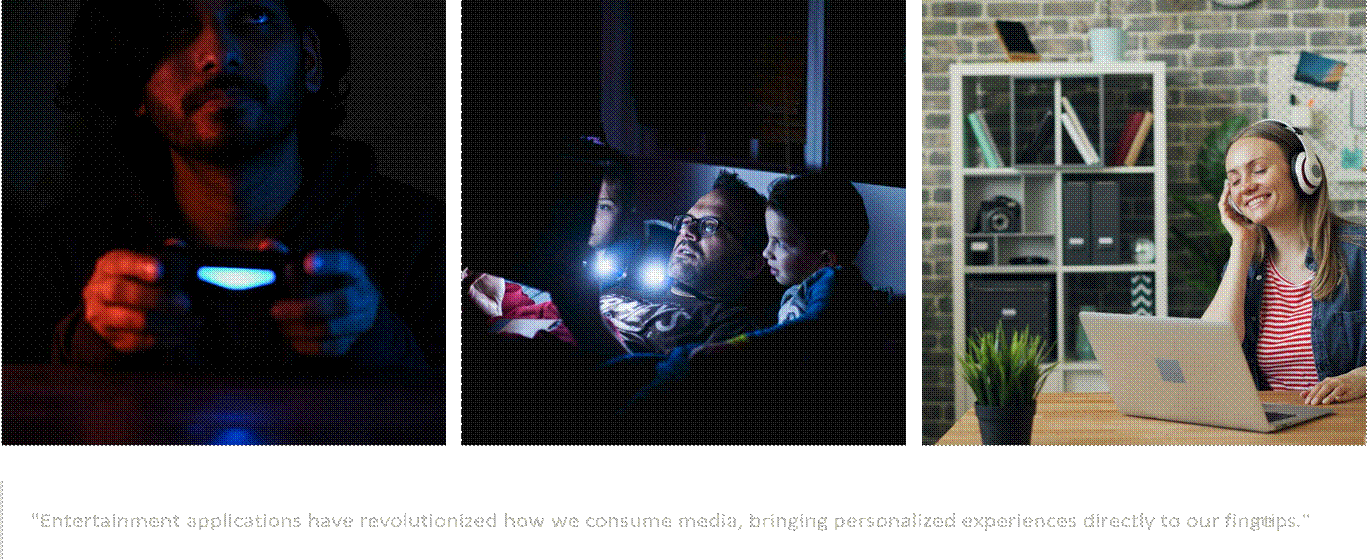
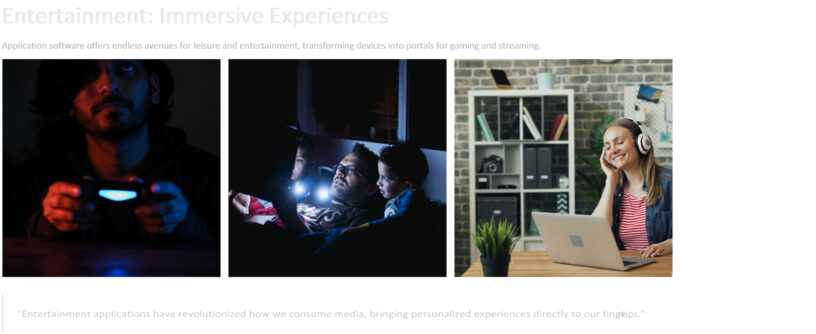
Application software offers endless avenues for leisure and entertainment, transforming devices into portals for gaming and streaming.
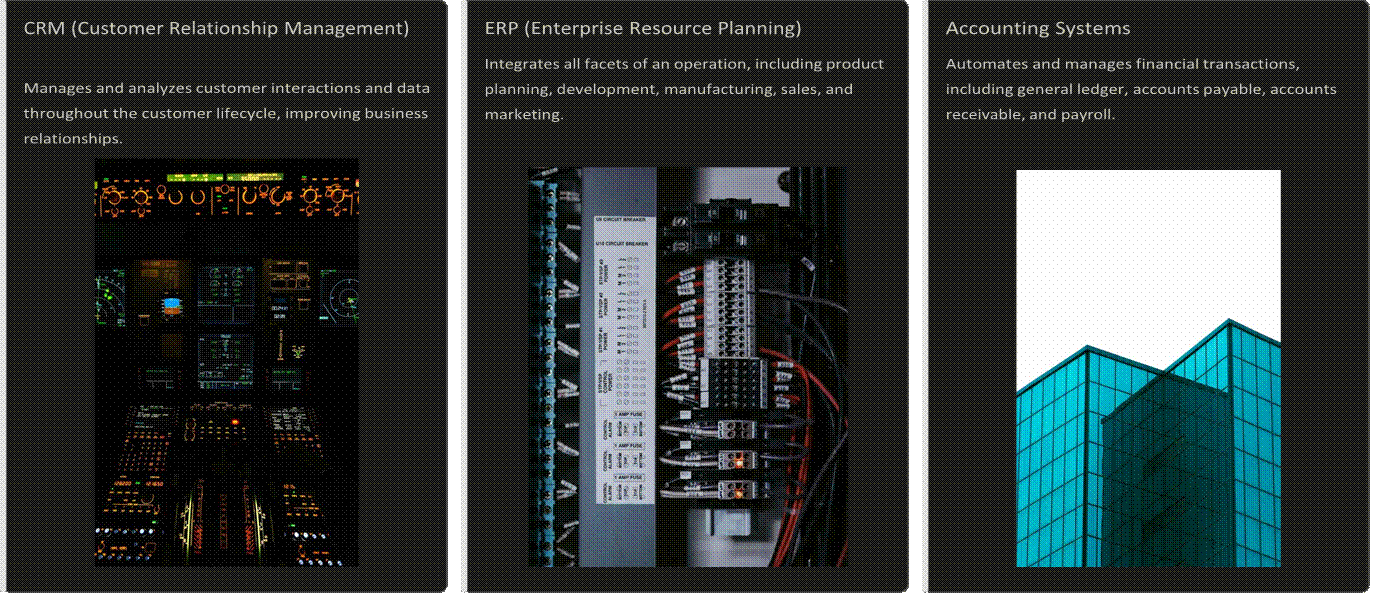
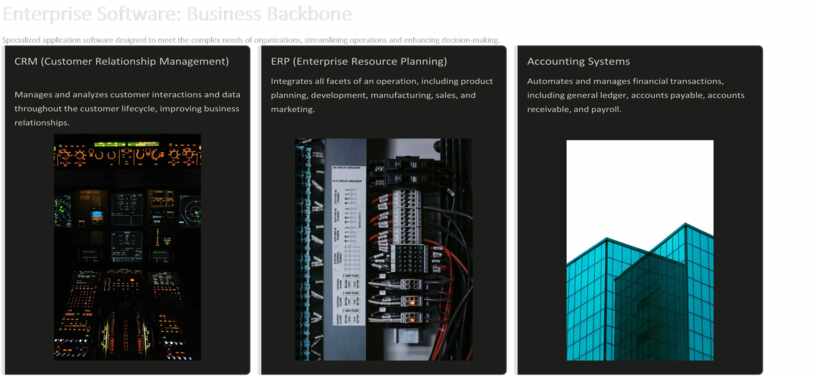
Specialized application software designed to meet the complex needs of organizations, streamlining operations and enhancing decision-making.
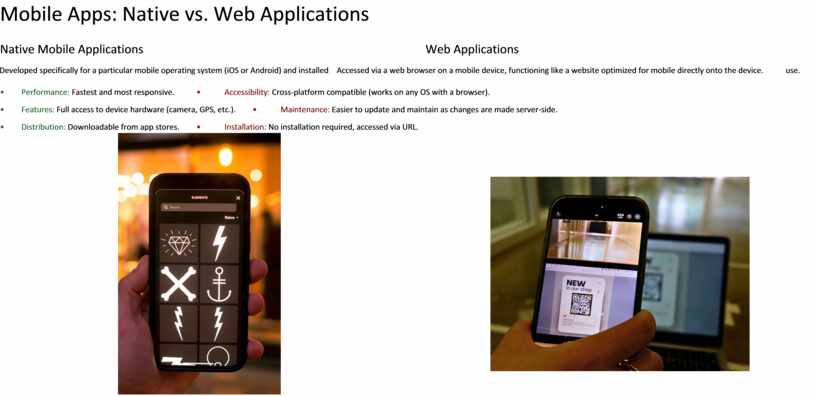
Mobile Apps: Native vs. Web Applications
Native Mobile Applications Web Applications
Developed specifically for a particular mobile operating system (iOS or Android) and installed Accessed via a web browser on a mobile device, functioning like a website optimized for mobile directly onto the device. use.
• Performance: Fastest and most responsive. • Accessibility: Cross-platform compatible (works on any OS with a browser).
• Features: Full access to device hardware (camera, GPS, etc.). • Maintenance: Easier to update and maintain as changes are made server-side.
• Distribution: Downloadable from app stores. • Installation: No installation required, accessed via URL.
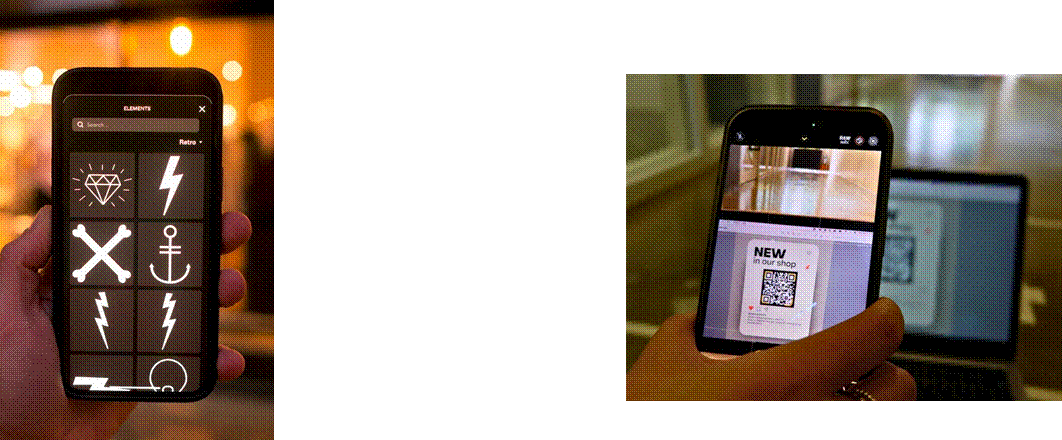
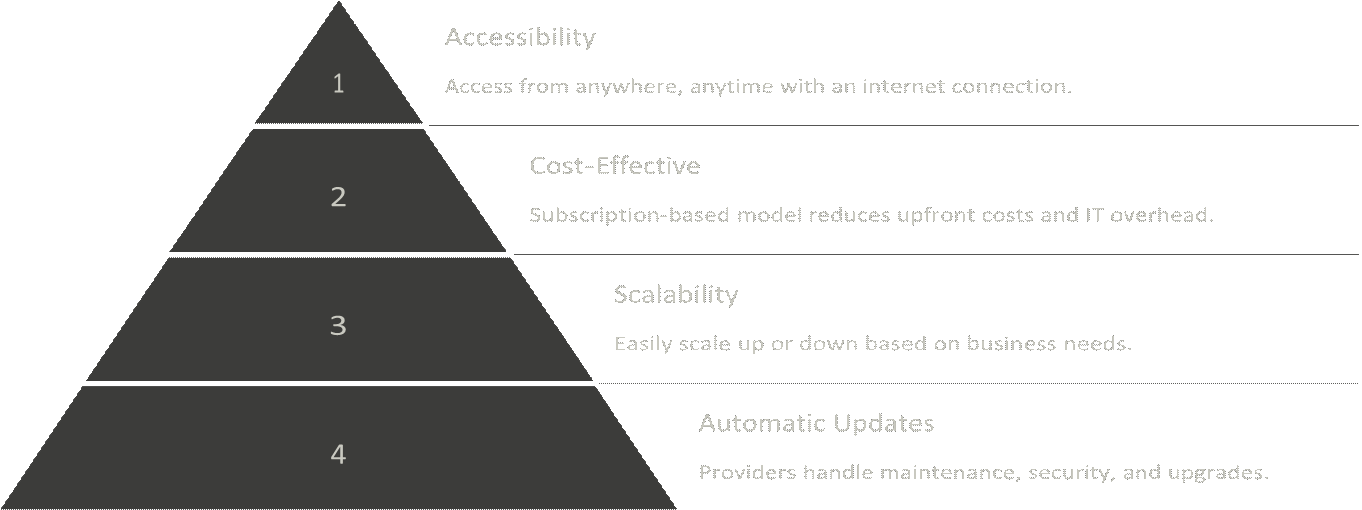
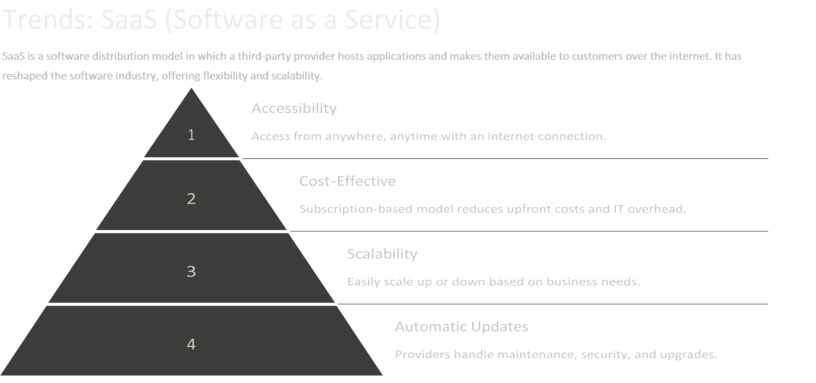
SaaS is a software distribution model in which a third-party provider hosts applications and makes them available to customers over the internet. It has reshaped the software industry, offering flexibility and scalability.

Материалы на данной страницы взяты из открытых источников либо размещены пользователем в соответствии с договором-офертой сайта. Вы можете сообщить о нарушении.


