Поделиться



 Software-in-2025-The-Future-is-Now.pdf
 Software in 2025: The
Future is Now
Software in 2025: The
Future is Now
Explore the evolving landscape of software and its profound impact on our daily lives, as we look towards 2025 and beyond. From foundational systems to cutting-edge AI, software continues to drive innovation and reshape industries.
What is Software?
 At its core, software
refers to the set of instructions, data, or programs used to operate computers
and execute specific tasks. Unlike hardware, which is the physical component of
a computer system, software is intangible — it's the brain and the instructions
that make the hardware function.
At its core, software
refers to the set of instructions, data, or programs used to operate computers
and execute specific tasks. Unlike hardware, which is the physical component of
a computer system, software is intangible — it's the brain and the instructions
that make the hardware function.
It encompasses everything from operating systems that manage your device's resources to applications that help you work, communicate, or entertain.

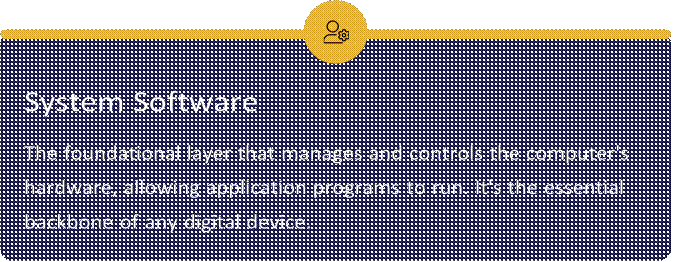
Software primarily
falls into two broad categories, each serving a distinct purpose in enabling
our digital experiences. Understanding this distinction is key to grasping how
our devices operate.
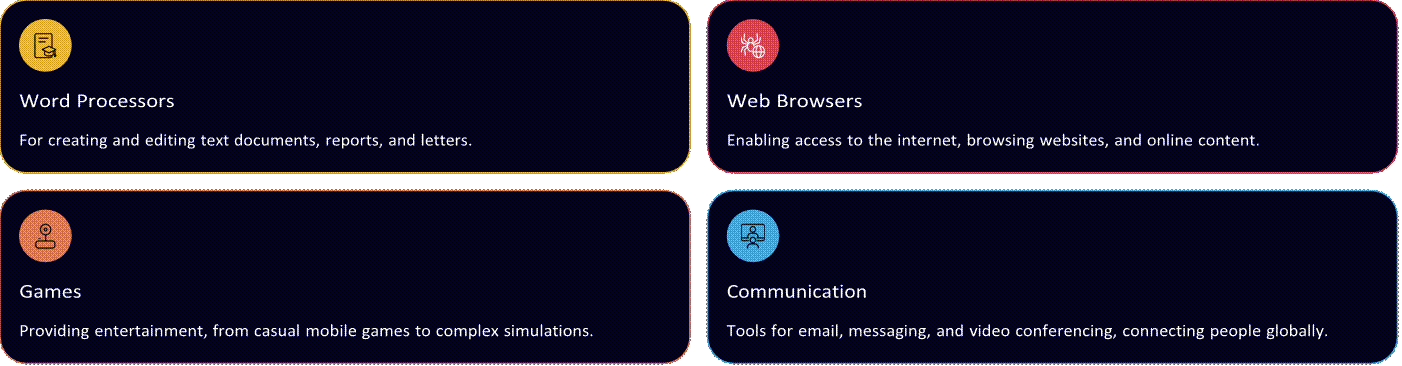
 Application Software
 Programs designed to perform specific tasks for
the user, such as word processing, web browsing, gaming, or financial
management.
Programs designed to perform specific tasks for
the user, such as word processing, web browsing, gaming, or financial
management.
These are the tools we interact with directly.
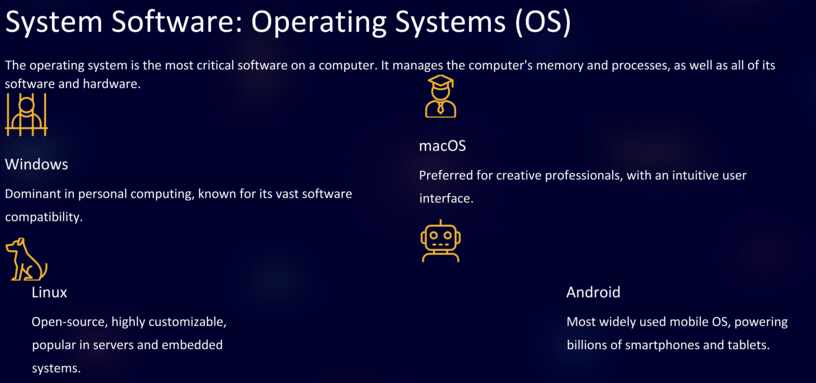
The operating system is the most critical software on a computer. It manages the computer's memory and processes, as well as all of its
software and hardware.

Dominant in personal computing, known for its vast software compatibility.


Preferred for creative professionals, with an intuitive user interface.

Open-source, highly customizable, popular in servers and embedded systems.
Most widely used mobile OS, powering billions of smartphones and tablets.
|
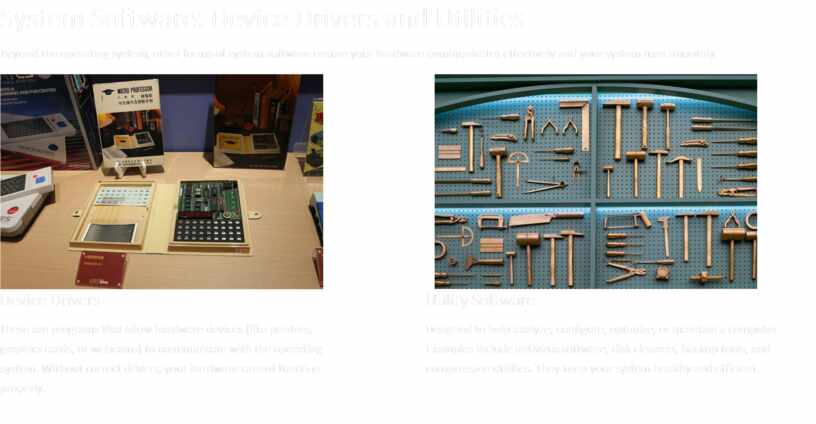
System Software: Device Drivers and Utilities Beyond the operating system, other forms of system software ensure your hardware communicates effectively and your system runs smoothly.
|
These are programs that allow hardware devices (like printers, graphics cards, or webcams) to communicate with the operating system. Without correct drivers, your hardware cannot function properly.
Designed to help analyze, configure, optimize, or maintain a computer. Examples include antivirus software, disk cleaners, backup tools, and compression utilities. They keep your system healthy and efficient.
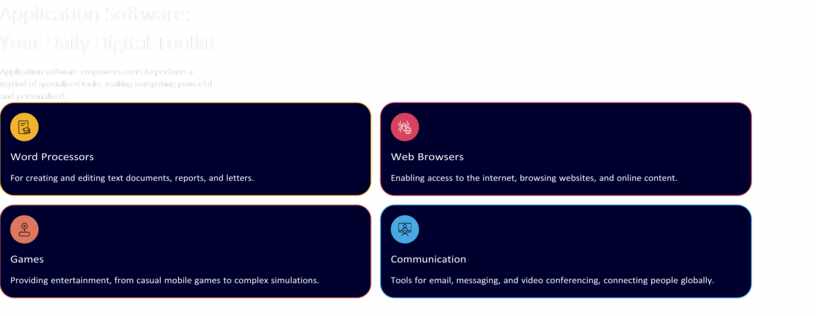
Application software empowers users to perform a myriad of specialized tasks, making computing powerful and personalized.

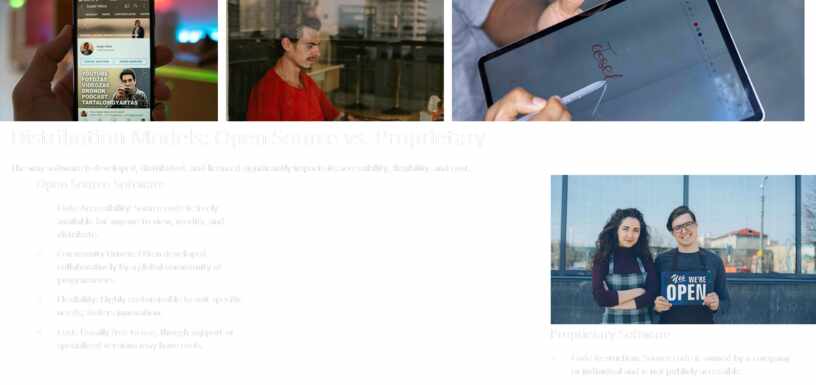
The way software is developed, distributed, and licensed significantly impacts its accessibility, flexibility, and cost.
Open Source Software
• Code Accessibility: Source code is freely available for anyone to view, modify, and distribute.
• Community Driven: Often developed collaboratively by a global community of programmers.
• Flexibility: Highly customizable to suit specific needs; fosters innovation.
• Cost: Usually free to use, though support or specialized versions may have costs.

Proprietary Software
• Code Restriction: Source code is owned by a company or individual and is not publicly accessible.
• Vendor Support: Typically comes with dedicated customer support and frequent updates from the developer.
• Stability: Often undergoes rigorous testing and quality assurance before release.
• Cost: Requires purchase of licenses or subscriptions for use.
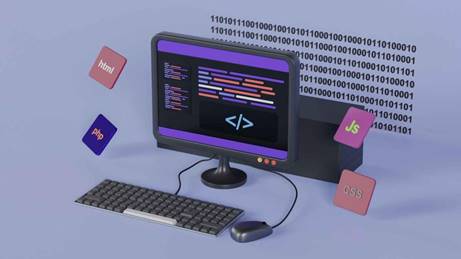
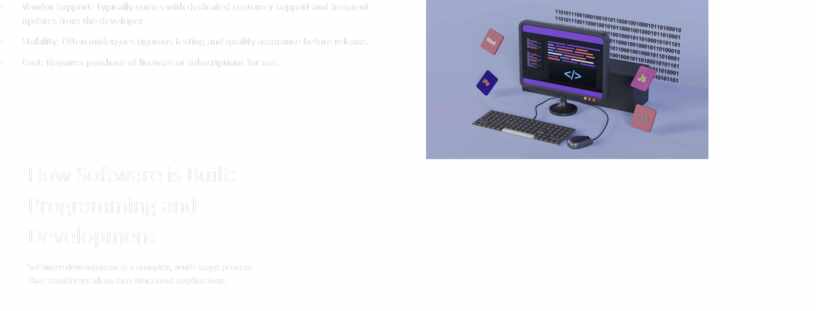
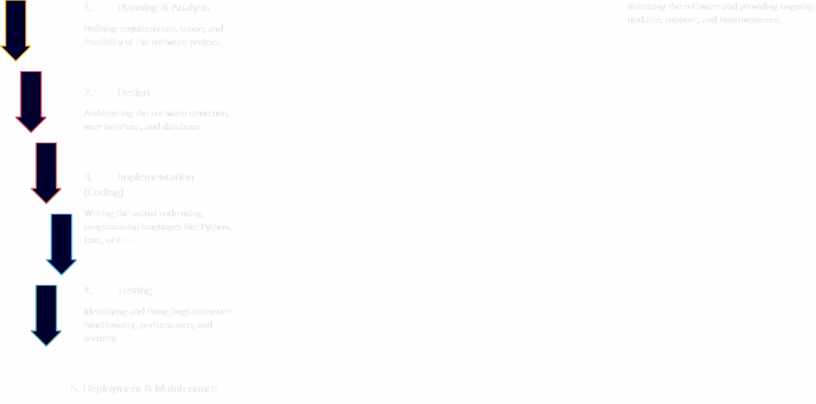
Software development is a complex, multi-stage process that transforms ideas into functional applications.
1.
 Planning
& Analysis
Planning
& Analysis
Defining requirements, scope, and feasibility of the software project.
2. Design
Architecting the software structure, user interface, and database.
3. Implementation (Coding)
Writing the actual code using programming languages like Python, Java, or C++.
4. Testing
Identifying and fixing bugs to ensure functionality, performance, and security.
5. Deployment & Maintenance
Releasing the software and providing ongoing updates, support, and improvements.
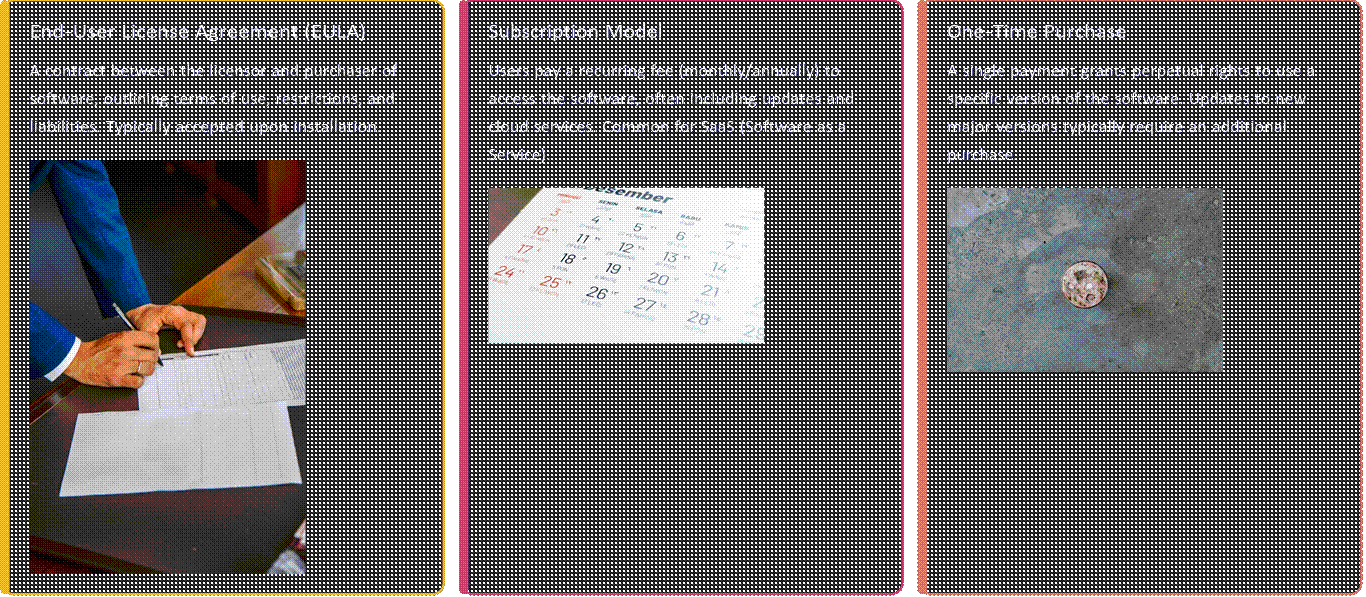
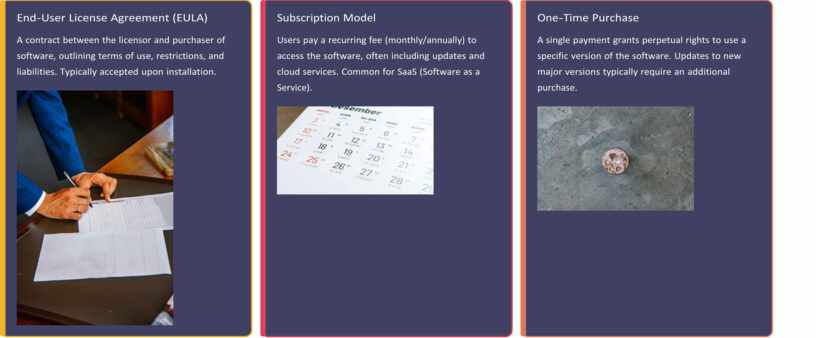
Software licenses define the legal rights for users to use, distribute, and modify software. They dictate how you can interact with the programs you acquire.
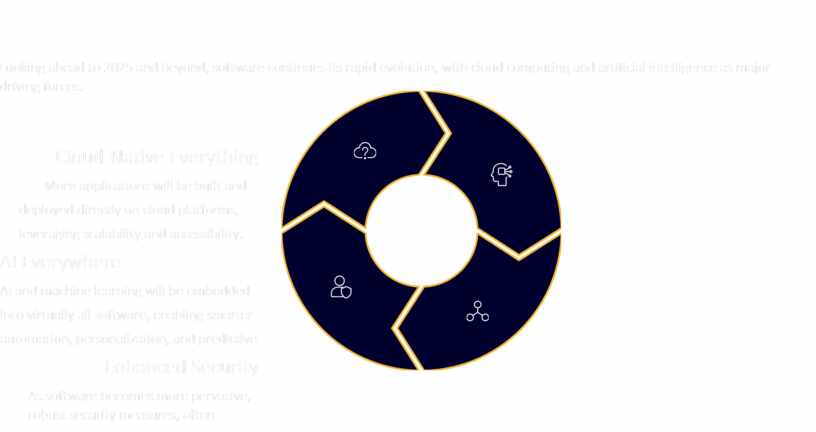
Looking ahead to 2025 and beyond, software continues its rapid evolution, with cloud computing and artificial intelligence as major
driving forces.
Cloud-Native Everything
More applications will be built and deployed directly on cloud platforms, leveraging scalability and accessibility.
 |
AI and machine learning will be embedded into virtually all software, enabling smarter automation, personalization, and predictive
Enhanced Security
As software becomes more pervasive, robust security measures, often AIpowered, will be paramount. capabilities.
Software will seamlessly integrate across devices, environments, and even physical spaces, fostering truly interconnected ecosystems.




Материалы на данной страницы взяты из открытых источников либо размещены пользователем в соответствии с договором-офертой сайта. Вы можете сообщить о нарушении.