Поделиться



 3_Forms_didactic_l2_v1.docx
Create a form that displays multiple records in Access
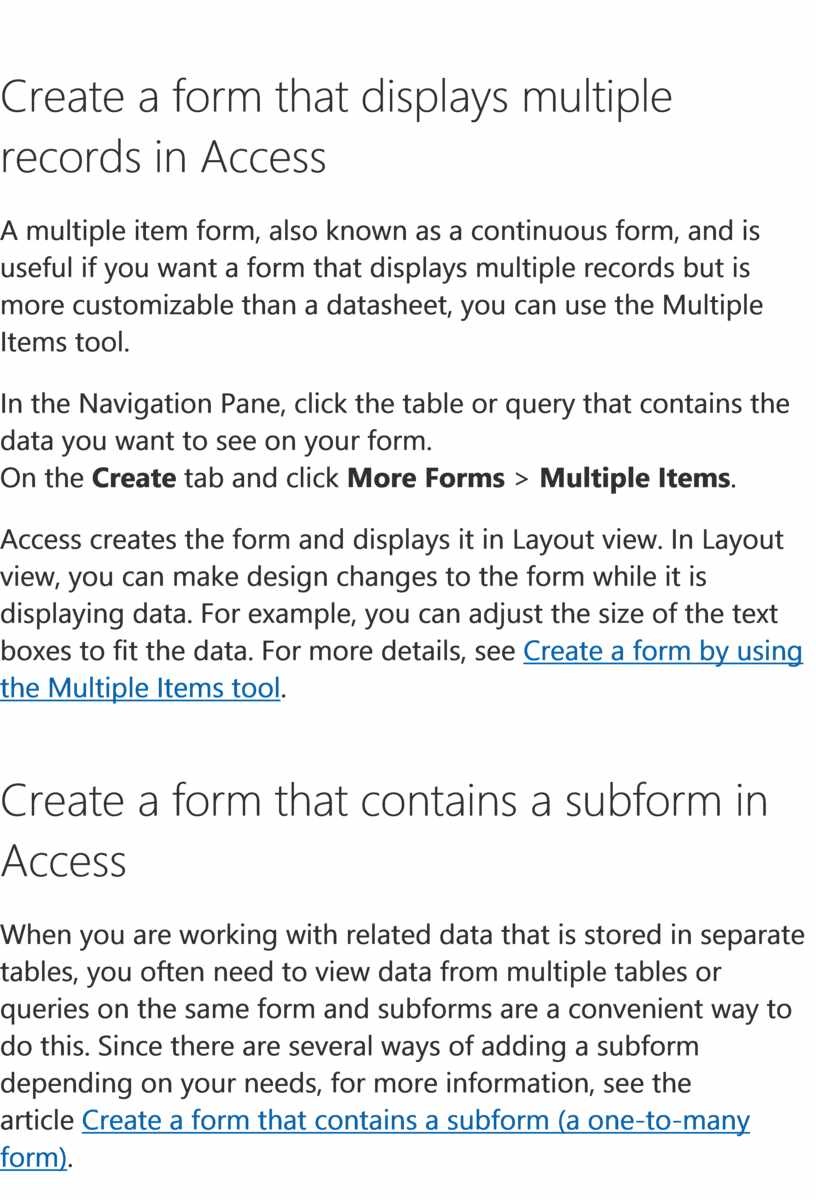
A multiple item form, also known as a continuous form, and is useful if you want a form that displays multiple records but is more customizable than a datasheet, you can use the Multiple Items tool.
1. In the Navigation Pane, click the table or query that contains the data you want to see on your form.
2. On the Create tab and click More Forms > Multiple Items.
Access creates the form and displays it in Layout view. In Layout view, you can make design changes to the form while it is displaying data. For example, you can adjust the size of the text boxes to fit the data. For more details, see Create a form by using the Multiple Items tool.
Create a form that contains a subform in Access
When you are working with related data that is stored in separate tables, you often need to view data from multiple tables or queries on the same form and subforms are a convenient way to do this. Since there are several ways of adding a subform depending on your needs, for more information, see the article Create a form that contains a subform (a one-to-many form).
Create a Navigation form in Access
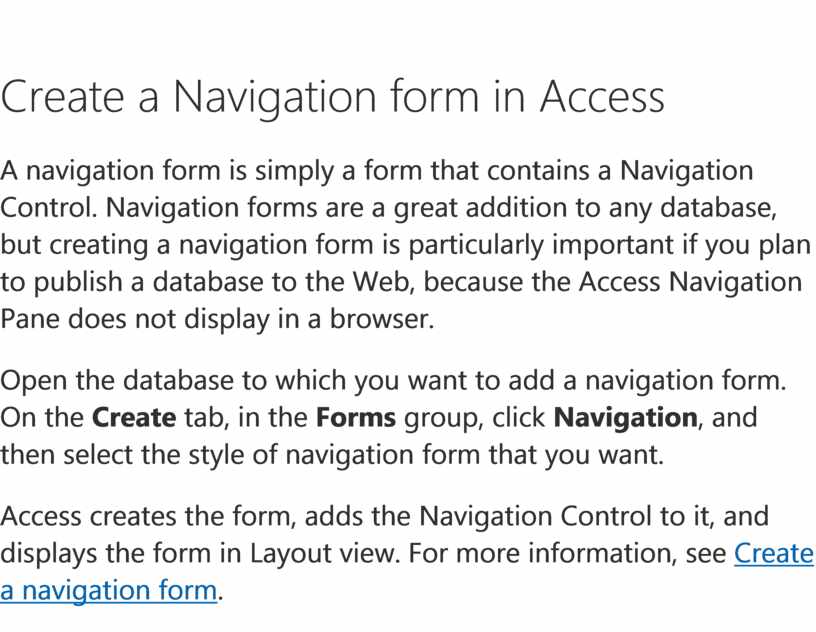
A navigation form is simply a form that contains a Navigation Control. Navigation forms are a great addition to any database, but creating a navigation form is particularly important if you plan to publish a database to the Web, because the Access Navigation Pane does not display in a browser.
1. Open the database to which you want to add a navigation form.
2. On the Create tab, in the Forms group, click Navigation, and then select the style of navigation form that you want.
Access creates the form, adds the Navigation Control to it, and displays the form in Layout view. For more information, see Create a navigation form.
Скачано с www.znanio.ru
Материалы на данной страницы взяты из открытых источников либо размещены пользователем в соответствии с договором-офертой сайта. Вы можете сообщить о нарушении.